
Key Takeaways
- Spam labels rely on how a number behaves on the network, so legitimate businesses can be tagged as well.
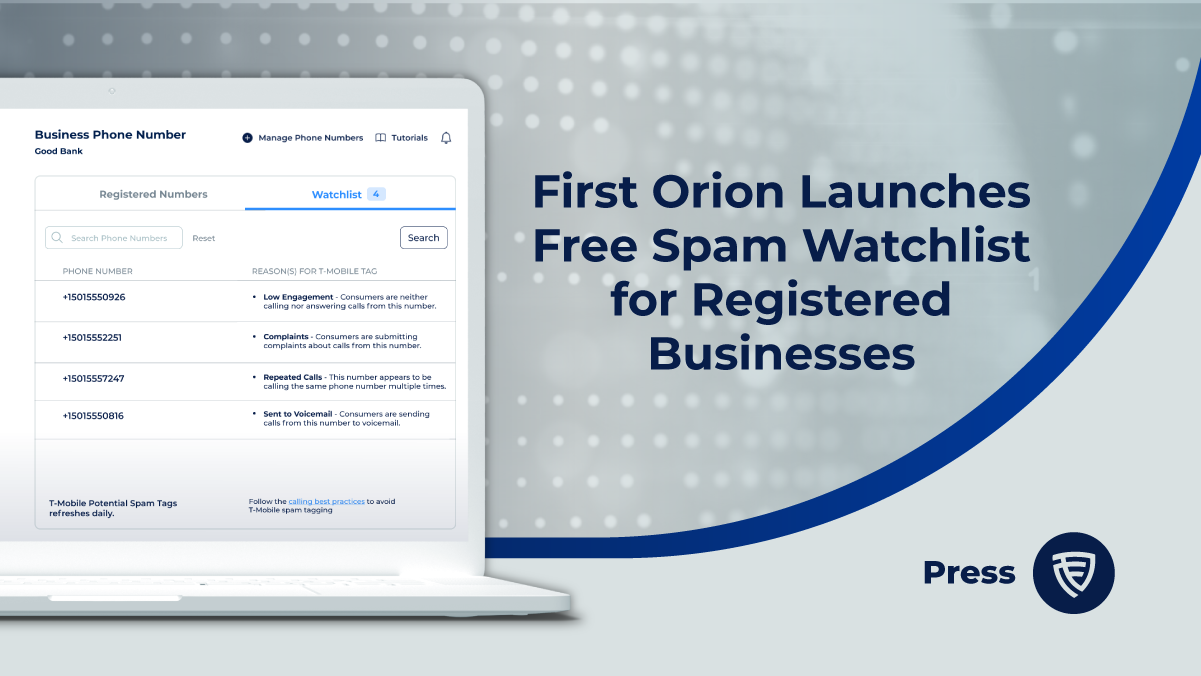
- Watchlist shows which of your registered numbers were tagged as Potential Spam on T-Mobile in the previous 24 hours, along with the observed calling behaviors that may have contributed.
- Business Number Registration is free and takes under five minutes to complete.
- Warming up new numbers, limiting daily volume per number, calling at appropriate times, and managing reattempts all reduce the signals that trigger mislabeling.
- Leaving a voicemail or a follow-up SMS gives recipients branding and context, making them less likely to report your number.
Your team makes legitimate calls to customers, leads, and partners. Then answer rates drop, and someone notices your number showing up as “Potential Spam” on a recipient’s screen. The label is visible, but the reason behind it usually is not.
That gap is the problem. When businesses cannot see which calling behaviors contribute to an incorrect label, they cannot adjust them. First Orion’s Watchlist addresses that gap by showing registered businesses their tag status and the associated behaviors at no cost.
Why Do Legitimate Businesses Get Labeled as Spam?
Analytics engines evaluate calling patterns across the network. They look at how calls behave, such as volume, timing, and repetition, how many consumers respond to their calls, and they do not know whether a business has good intentions. A sales team working through a large list, a contact center repeatedly dialing the same customers, or a newly acquired number that jumps straight into high volume can all resemble nuisance calling.
Recipient reports add to the picture. If people see a number in their call history with no context and report it, that feedback can contribute to a label.
The result is mislabeling: a real business with a real purpose carrying a tag that suppresses answer rates and erodes trust.
What Is Watchlist in First Orion’s Business Number Registration?
Watchlist is a feature inside First Orion’s free Business Number Registration service. Registered businesses can log into the Customer Portal to see whether their phone numbers have been tagged as Potential Spam. They can also view the observed calling behaviors that may be perceived as nuisances by call recipients.
A few details define the scope:
- Network coverage: Watchlist shows numbers tagged on the T-Mobile network.
- Time window: It covers tags from the previous 24 hours.
- Behavior insights: It pairs spam-tag status with the behaviors observed on the network that are associated with spam labeling. First Orion serves as T-Mobile’s analytics engine.
- Cost: Registration and Watchlist access are free.
Watchlist indicates behaviors that may have contributed to a tag. It gives your team a starting point for adjusting practices, not a final verdict on cause.
How Do You Check Your Numbers in Watchlist?
- Register your business. Go to portal.firstorion.com and complete Business Number Registration. Most companies finish in under five minutes.
- Add your phone numbers. You can return to the Customer Portal at any time to add or manage numbers.
- Open Watchlist. Check whether any of your numbers were tagged as Potential Spam on T-Mobile in the previous 24 hours.
- Review the observed behaviors. Look at the calling patterns associated with each tagged number.
- Adjust your calling practices. Use what you find to change volume, timing, or reattempt habits.
What are Best Calling Practices to Avoid Tags?
Registration creates the foundation. Best practices build positive reputation over time. Here are the specific behaviors that prevent flagging and support remediation.
Warm Up New Numbers
When you acquire new numbers, resist the urge to launch immediately into high-volume campaigns. Use new numbers for organic, low-volume calling for several days to establish a baseline history.
Start with 10-20 calls per day from each new number. Increase volume gradually over 2-4 weeks. This pattern mimics legitimate business calling and avoids the spike detection triggers.
Spread Calls Across Multiple Numbers
High call volume from a single number raises flags. Distribute your outbound calls across a pool of numbers, giving each agent their own number or rotating through a managed inventory. Also, divide calls and phone numbers by use case.
Optimize Call Timing
Call during business hours when recipients expect and can answer business communications. Calls placed before 8 a.m. or after 9 p.m. local time violate FCC regulations and trigger complaints.
Analyze your historical data to identify the hours when your specific audience shows the highest answer rates. Concentrate calling during those windows.
Manage Reattempt Frequency
Repeated calls to the same number without an answer look like harassment to analytics engines. Limit reattempts to 2-3 times per week maximum, with at least 4 hours between attempts.
If a number goes unanswered after multiple attempts, move it to a different outreach channel or remove it from active calling lists.
Leave Context for Unanswered Calls
When you do not connect with your contact, leave evidence of your legitimate purpose. Drop a voicemail explaining who you are and why you called. Send a follow-up SMS with your business name and callback information.
This context reduces the likelihood that the recipient will report your number as spam when they see it in their call history.
What Should You Do After You Find a Spam Tag?
Start with the behaviors Watchlist surfaces. If the data points to high volume on a single number, redistribute calls across a larger pool. If it points to repeated attempts, tighten your reattempt rules. Then check Watchlist again as your changes take effect, since it reflects the previous 24 hours of tagging activity.
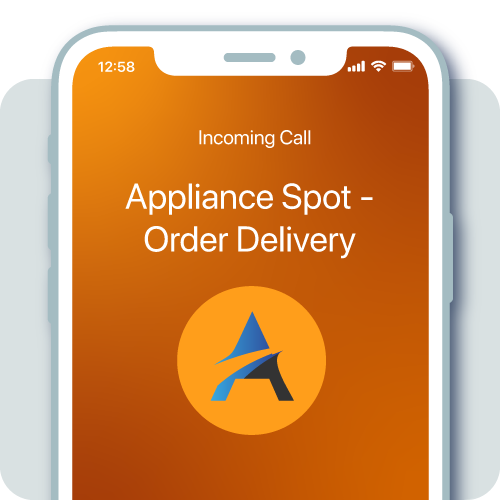
Registration is the first step in managing your phone number reputation. Businesses that want ongoing monitoring or to display their name on outbound calls can consider AFFIRM® Number Monitoring and INFORM® Branded Calling as next steps.
Ready to see how your numbers appear? Register your business numbers for free and open Watchlist in the Customer Portal.
Learn About the Solutions Behind Every Trusted Connection
From small businesses to global enterprises, First Orion helps you increase answer rates, verify identity, and build customer trust and transparency.
INFORM® Branded Calling - Show your business name, logo, and reason for call so more customers answer with confidence.
ENRICH® Branded Messaging – Deliver personalized, secure RCS messaging with verified sender identity and rich media.
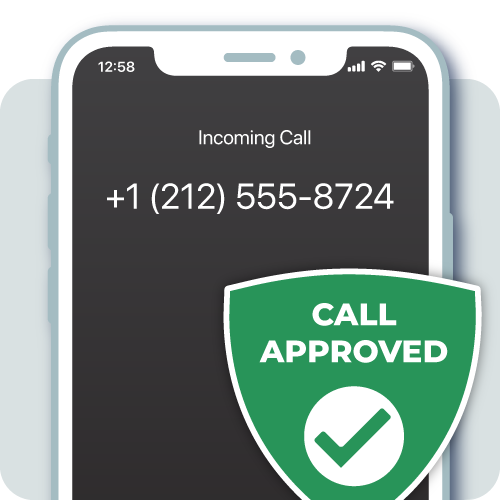
AFFIRM® Reputation Monitoring - Monitor how your outbound calls appear and catch labeling discrepancies fast.
SENTRY® Call Blocking - Block bad actors from spoofing your numbers, protecting trust with your customers.
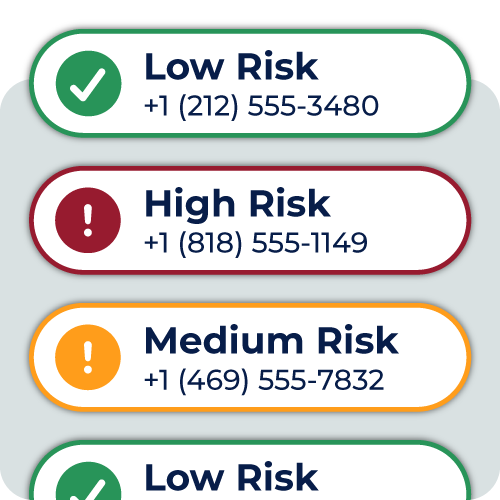
PROTECT+ Risk Detection - Detect suspicious inbound call activity in real time with intelligent risk analysis.